Update · New feature
When you can’t describe it, point at it
Two new ways to ask for what you want when words run out — hand over a photo of a yard you liked and it borrows the look without borrowing the house, or draw a loop on your own photo and change only that patch.

YardRemake Studio
Published August 27, 2026 · 5 min read · 6 sections
On this page
Everyone ships a text box. Type what you want, get a yard.
It works right up until it doesn’t. You saved a photo of a garden you loved on someone’s street, and no sentence you write gets you there — “cottage but not fussy, sort of loose, with the gravel bit” is not a brief, it’s a shrug. Or the design comes back and it’s ninety percent right, except for one dead patch of lawn on the left that you cannot name well enough to fix.
Both of those are the same problem: words ran out. So now you can point instead.
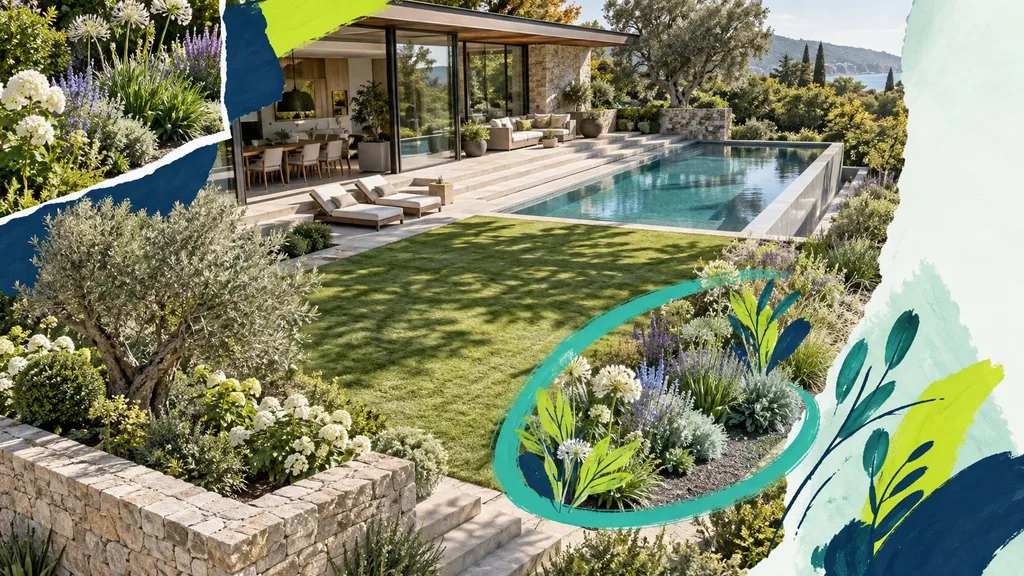
Show us a photo
On the Generate step you can hand over a photo of a yard you liked. It rides alongside your own photo as a second image, and the look is read from it — the planting density, the palette, the formality, the way things are massed.
The important part is what it does not take. Not the house. Not the layout. Not the background, the lighting, or the camera angle. Your yard stays your yard; only the style travels.

That distinction is doing real work, and it took a fix to get right. In an early version, attaching a reference while other tools were armed could bring the reference’s house along with its style — you’d get someone else’s front elevation sitting where yours should be. If you tried this in the first days and got a stranger’s house, that was a bug, it was ours, and it’s fixed.
A photo is a style, not an extra
The other thing we got wrong at first: the photo and the style presets were treated as different kinds of thing, so picking a preset could silently override the photo you’d just chosen. You’d get Modern Farmhouse and no idea why.
They’re two answers to the same question — what should this look like? — so the photo is now a card in the style row alongside the presets. Pick one or the other. Whichever you pick is the one that runs, and the progress line says “Matching your inspiration photo” so you can see it happening.
Circle one part of the photo
The second one is for when the design is nearly right.
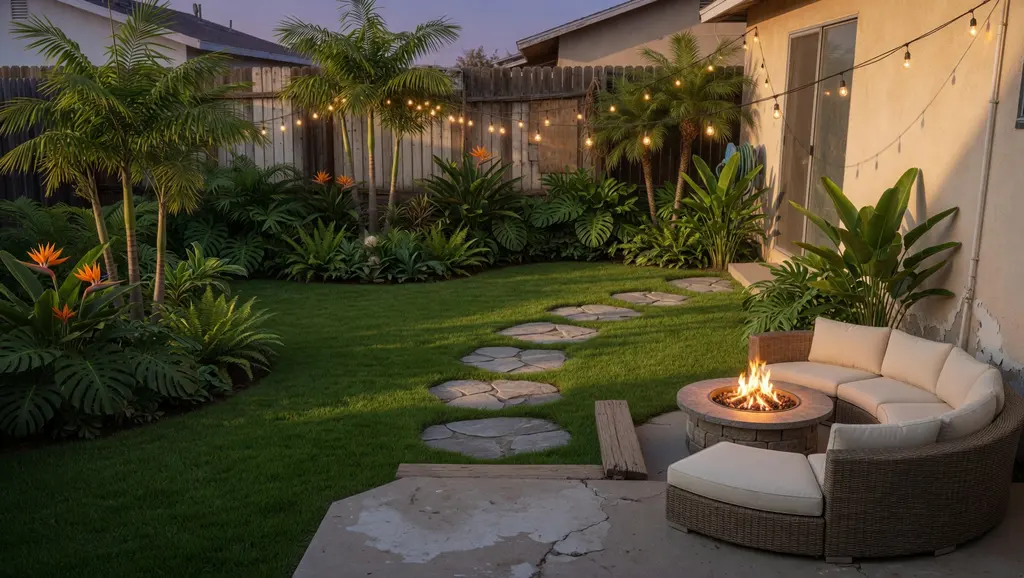
Tap Just one area, drag a loop around the patch you mean, and type what belongs inside it. The loop says where. The words say what. Both are required — a loop with no instruction means nothing, and an instruction with no loop is just the normal text box again.
What the loop is not
There is no mask in this engine. The whole frame is re-rendered every time. The loop is persuasion, not enforcement — it moves where the model puts its attention, it does not fence it in.

We say that plainly because the measurements say it plainly. Over six test renders:
- A drawn boundary genuinely moves the edit. Asked for a fire pit with a loop around an arbitrary patch of lawn, the model built it inside the loop — a mean change of 39.7 there, against 18.1 in the spot the words alone had chosen. That’s an exact inversion of the same request with no loop drawn.
- The mark erases itself. Zero magenta pixels survived into any render. You will never see the line you drew.
- Drift outside the loop fell by roughly 28% — not to zero. Things outside your loop can still shift a little. The interface says “focus here” rather than “only this changes”, because the second one would be a lie.
There’s one more guard worth mentioning because it sounds paranoid and isn’t. This product ships 27 edging styles, and a closed line drawn around a bed is exactly what edging looks like. So the instruction explicitly tells the model that the outline is not a landscape feature. It never misfired in testing — but the cost of the sentence is nothing and the cost of the failure is a brick border nobody asked for.
When to draw, and when to just type
Honestly: most of the time, type.
If you can name the region — “the bed along the house”, “the strip by the driveway” — words already scope it perfectly and the loop adds nothing. We tested that case first and the drawing made no measurable difference.
Where it earns its place is the region you can’t name. A patch of lawn in the middle of nothing. The awkward corner behind the bins. The bit that is just “there, that bit”. Those have no noun, and that’s when you draw.
Nothing you already have is at risk
Every edit keeps the version before it, so trying something is not a decision. If a region edit goes somewhere you didn’t want, the previous design is still sitting in your history. A refine keeps its plant markers and its shopping-list quantities, so you don’t lose the useful parts of a design by adjusting the look of it.
Two honest gaps, since you’ll find them anyway: you can’t yet draw a loop on a result — the loop goes on your original photo — and the drawing control hasn’t been properly tested on a phone. If it fights you on mobile, that’s not you.
